
Nexus AI
An AI assistant built to answer, not to act
Ask about your revenue, your clients, or your tickets in plain English, and get a straight answer sourced from real data. Nexus can never create, send, change, or delete anything, by design.
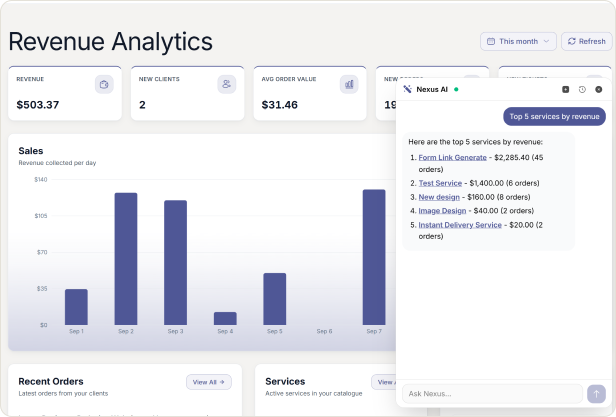
Fast, Honest Answers From Real Data
Most business questions do not need a new tool, they need a fast, honest answer. Nexus AI reads your orders, invoices, tickets, and clients, and answers in plain English the moment you ask. It never guesses and it never acts. If there is nothing to report, it says so instead of making something up.
CORE CAPABILITIES
Core Capabilities
Ask plain English questions about your revenue, clients, or tickets and get straight answers sourced from real data.
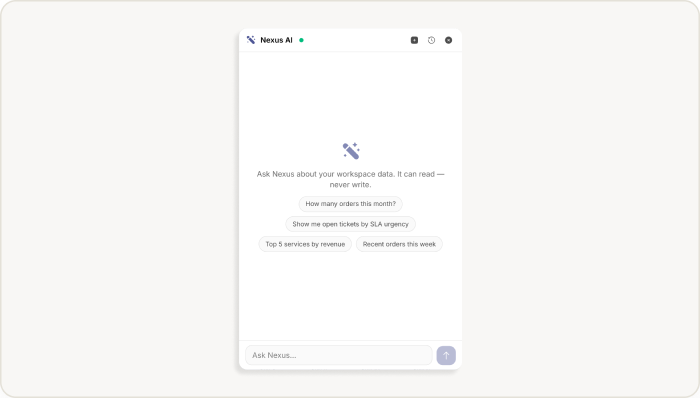
Answers, not actions
A hard limit built into how Nexus works, not a setting someone can relax.
✓ Nexus can read your data and answer questions about it, but it cannot create, send, change, or delete anything, ever.
✓ Ask it to take an action anyway, and it explains plainly that it is read only.
✓ Every figure it gives you comes from a real lookup. No lookup means no number, not a guess dressed up as one.
Bring your own model
You choose the model and pay for what you use.
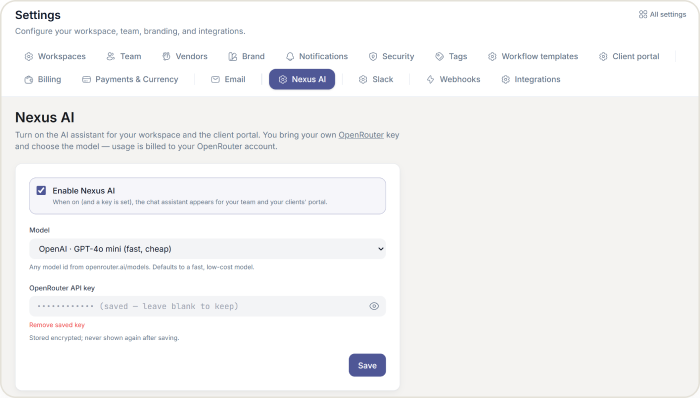
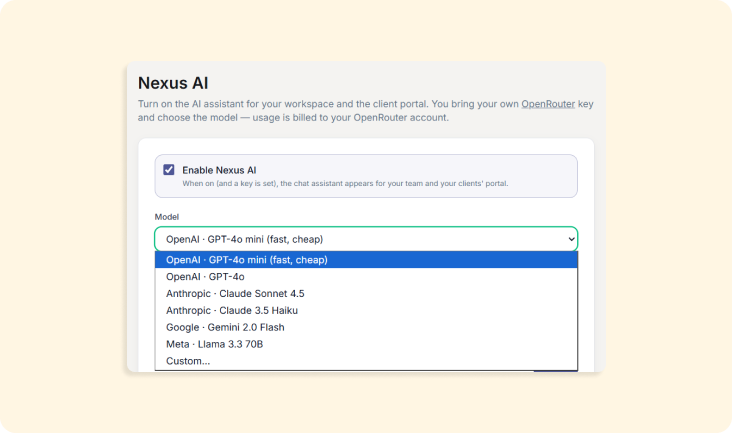
✓ Connect your own OpenRouter API key, and pick from models including GPT-4o, GPT-4o mini, Claude Sonnet 4.5, Claude 3.5 Haiku, Gemini 2.0 Flash, Llama 3.3 70B, or any other OpenRouter model by name.
✓ Usage is billed to your own OpenRouter account, so you always know exactly what you are spending.
✓ Until a key is saved, Nexus simply stays off. No error, just no assistant until you connect one.
Scoped to who is asking
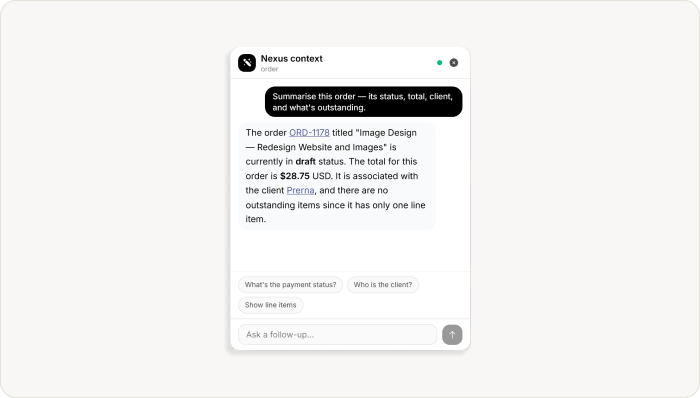
Scoped to who is asking
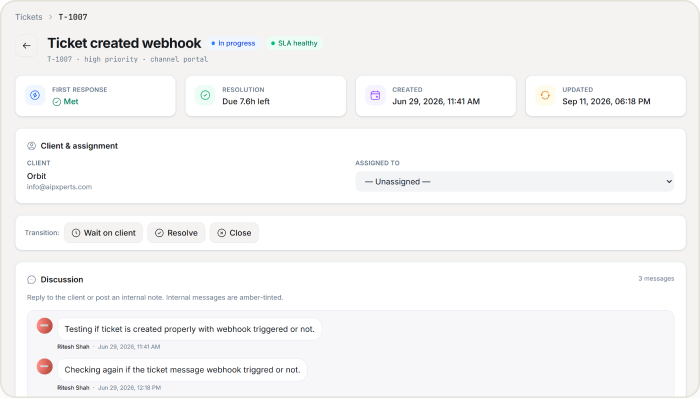
✓ Staff can ask about revenue, order counts, ticket counts, best selling services, and open ended client segmentation, with answers linking straight to the record.
✓ Clients get their own assistant in the portal, scoped so tightly it can only answer about their own orders, invoices, tickets, and subscriptions.
✓ A client’s assistant cannot see another client’s data, even if asked directly.
Built to resist being tricked
Instructions hidden inside your own data do not get obeyed.
✓If a client’s name or a ticket message contains something that looks like a command, Nexus treats it as plain text, never as an instruction.
✓ Every conversation is saved so you can revisit it later, delete one at a time, or clear your history entirely.
WHY AGENCIES CHOOSE US
Why agencies choose HubSleek’s Nexus AI
“
It cannot break anything
Read only is a hard limit, not a promise, so there is no risk of an AI mistake touching your data.
“
You control the cost
Bring your own OpenRouter key and pay your own provider directly, at your own model of choice.
“
Clients get their own version
A scoped assistant answers a client’s questions about their own account, without any extra work from your team.
HOW IT WORKS
From setup to first answer in minutes
01. Turn on Nexus AI
Turn on Nexus AI from Settings and pick a model, from fast and inexpensive to more capable options.
02. Paste your API key
Paste your own OpenRouter API key. It is encrypted immediately and never shown again.
03. Chat bubble appears
A chat bubble appears in the corner of your workspace, and in your clients’ portal too.
04. Ask a question
Ask a question in plain English, and get an answer streamed back in seconds, sourced from your real data.
Frequently asked questions
Ask your business a question, get a straight answer
Connect your own OpenRouter key and see what Nexus can tell you about your business today.